
Search “lovable seo” and most of the advice is about one problem: Lovable built React apps that rendered in the browser, so a crawler that did not run JavaScript saw an empty page. That advice is out of date for sites hosted on Lovable. If your site still is not in Google, prerendering is probably not the fix.
Lovable’s own SEO and AI search docs say apps created from May 13, 2026, or June 22 on Enterprise plans, “use TanStack Start with server-side rendering”. Older React and Vite apps “are pre-rendered for verified crawlers when they request a page”. The docs also say Lovable-hosted projects do not need an external prerendering service for search engines or AI crawlers.
TLDR
On Lovable hosting, rendering is handled: new apps are server-rendered and older ones are prerendered for verified crawlers. When a Lovable site is missing from Google, check that it is publicly published on your own domain, verified in Search Console, still on Lovable hosting, and that every page has its own title, description and Open Graph tags. Then submit a sitemap and read the Page indexing report, which tells you whether Google has not crawled the page yet or crawled it and chose not to index it.
Test what Google sees, not what a checker sees
The prerendered version only goes to verified crawlers. Lovable’s docs say unverified bots and link checkers “see the regular single-page app”. A free SEO checker, a crawler running on your laptop, or a script that fetches the page can report an empty page while Google gets the full HTML.
So test with Google. Add the site to Search Console and run URL Inspection on the homepage with a live test. It fetches the page in real time and shows the HTML Google received and a screenshot of the rendered page. If your headings and text are in that HTML, rendering is not your problem, and you can move on to the checks below.
1. The site is not public, or not on your domain
Lovable’s docs are direct about the first one: “Only publicly published apps can appear in search results.” A project you are still editing, or one shared only with your team, will not be indexed.
The second is the domain. Lovable supports custom domains and recommends one for building search presence, then verifying it in Google Search Console. If you moved from the lovable.app address to your own domain, or from one domain to another, the docs say to verify the new domain in Search Console again. Pick one primary domain, so the other addresses redirect to it instead of competing with it.
2. The site was exported and hosted somewhere else
Lovable has a two-way GitHub sync, and the docs say it lets you deploy outside Lovable. That is useful, and it is also where the rendering problem comes back.
The prerendering for older apps is part of Lovable’s hosting. Lovable’s docs cover it for Lovable-hosted projects and say nothing about other hosts. An older React and Vite project deployed to another host builds to one HTML shell and a JavaScript bundle, and that is what every crawler gets.
Google can render JavaScript. Its JavaScript SEO basics explain that pages wait in a render queue, which “may stay on this queue for a few seconds, but it can take longer than that”. The same page still calls server-side rendering or prerendering “a great idea”, because it is faster and because “not all bots can run JavaScript”. That is why Lovable’s prerendering covers AI search crawlers and social preview bots as well as search engines.
A newer TanStack Start app moved elsewhere needs a host that can run its server for server-side rendering, or a build that prerenders each page to static HTML. Either works. A plain static upload of a server-rendered app does not.
3. Every page shares the homepage’s title and preview
Rendering gets the page to Google. What Google shows in results still comes from the page. Google asks for a distinct title on every page, written about that page. A Lovable app built from one prompt often has one title and one description in the HTML head for every route.
Open each page and check the browser tab title changes. Check the description too, and the Open Graph tags. Lovable’s docs say its apps serve those tags to social-preview bots, “but each page still needs its own Open Graph tags”. A services page that shares on LinkedIn with the homepage’s title and image is the visible symptom.
4. There is no sitemap, or it lists pages that do not exist
Lovable “creates a robots.txt with every new project, but not always a sitemap”, in the docs’ words. Its SEO and AI search review checks both and can create or repair them. Lovable can also submit the sitemap to Search Console from the chat.
One detail catches people out. The docs say Google reads the sitemap from your live site, “so pages that exist only in unpublished code are not included”. Publish first, then submit. And open robots.txt yourself: one Disallow: / line left over from testing hides the whole site.
5. Missing pages return 200, not 404
A single page app shows a “page not found” screen for any address it does not know, while the server still answers with a success code. Google calls that a soft 404 and recommends returning a real 404. Its JavaScript guide offers two fixes for client-rendered routing: redirect to a URL that returns a real 404, or add a noindex robots meta tag to the error page with JavaScript.
This matters more than it sounds. A site where every mistyped address looks like a real page gives Google a pile of thin duplicates to sort through, next to the pages you want indexed.
6. Google crawled it and chose not to index it
The Page indexing report in Search Console separates two states that look the same from the outside. Discovered, currently not indexed means Google knows the URL and has not fetched it yet. Crawled, currently not indexed means it fetched the page and has not added it to the index. Google says the second may be indexed later and you do not need to resubmit.
Neither is a rendering problem. Both usually come down to the page itself and to links: a new domain that nothing links to, pages with a few lines of generated copy, or five pages that say the same thing in different words. Lovable’s docs are honest about this too: its review does not guarantee rankings and does not fully judge content quality or backlinks. That part is ongoing work, whatever built the site.
When moving to Astro is the better fix
If the site stays on Lovable hosting, fix the six things above and keep building in Lovable. Moving is not the answer to a missing title tag.
Moving makes sense when you want the site off Lovable, on a host you already pay for or a free one, without running a server. An Astro build turns every page into finished HTML at build time, so every crawler gets the same content and any static host will serve it. The trade-offs, and when WordPress is still the better pick, are in Astro vs WordPress for a small business site. The free hosting options are in the guide to hosting a small business site for free.
Appbuff moves Lovable and other AI-built sites to Astro, keeping the design, copy and URLs, as part of Astro website development, from $1,500 fixed. If you are about to launch rather than fix, the launch checklist for sites built with Claude or ChatGPT covers the form, keys and headers too.
Start with URL Inspection on your homepage. If Google’s copy has your headings in it, stop worrying about rendering and open the Page indexing report instead.
Questions
Is a Lovable website SEO friendly in 2026?
On Lovable hosting, yes for rendering. Apps created from May 13, 2026 use server-side rendering, and older React and Vite apps are prerendered for verified crawlers. You still need your own titles, descriptions, Open Graph tags, a sitemap, Search Console and content worth ranking.
Do I need Prerender.io or a similar service for a Lovable site?
Not while it is hosted on Lovable. Lovable's docs say Lovable-hosted projects do not need an external prerendering service. You may need one, or a different build, if you export an older Vite project and host it somewhere else.
How long does Google take to index a new Lovable site?
Google does not promise a time. Submit the sitemap, request indexing for the homepage with URL Inspection, and watch the Page indexing report. A brand new domain with no links pointing to it is usually the slowest case.
Read these next
Same kind of problem, different corner of the store.
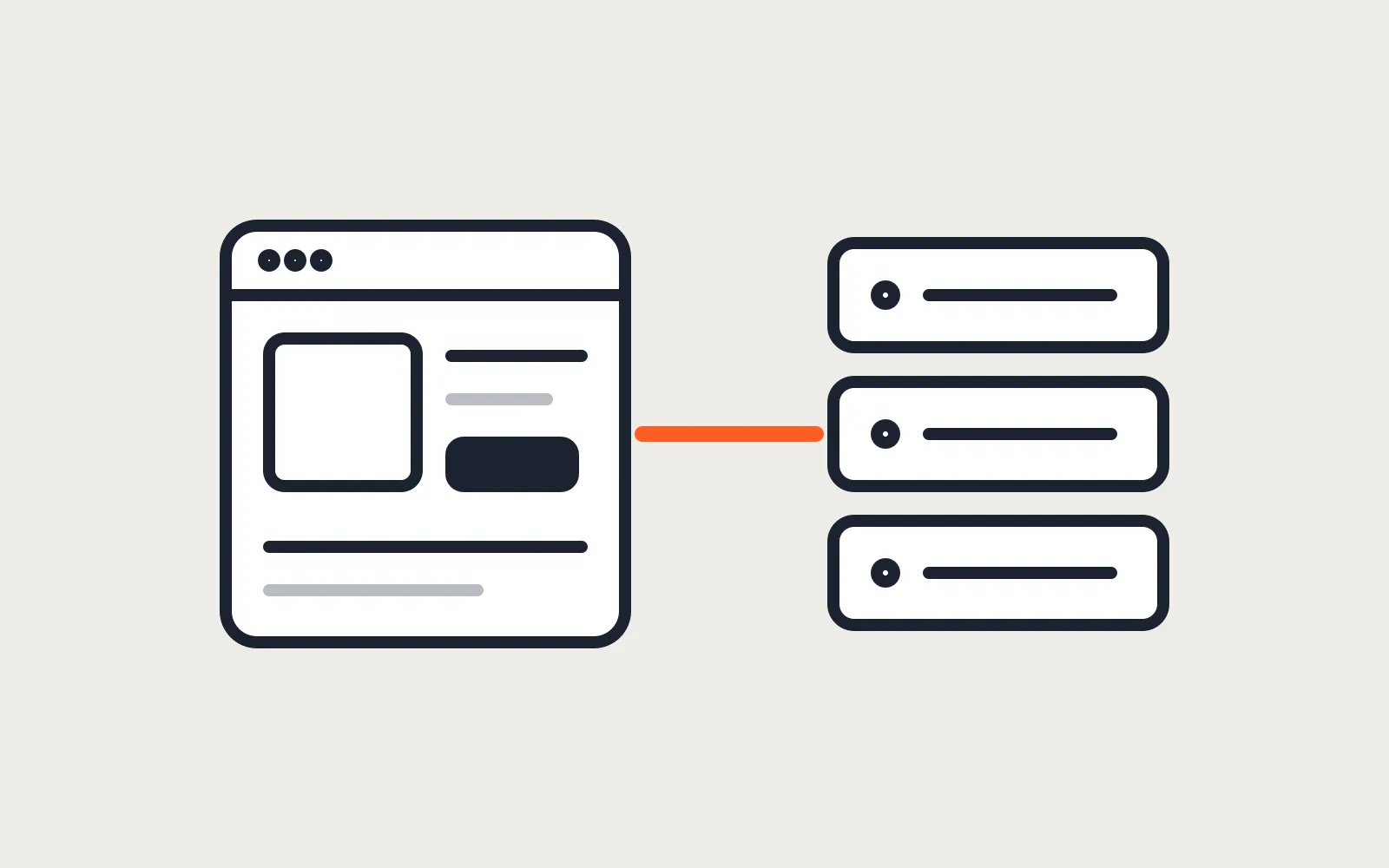
An Astro storefront with Shopify or WooCommerce behind it
Astro builds the pages, Shopify or WooCommerce keeps products, cart and checkout. When that split pays off, and which apps and plugins stop working.
Websites
Astro vs WordPress for a small business website
Astro suits most small business sites and handles bookings and logins with a database. Speed, security, editing, upkeep, and where WordPress keeps an edge.
Websites
Check a site built with Claude or ChatGPT before launch
It looks finished in the preview. Before customers see it: hosting and domain, a form that sends, leaked keys, headers, what Google needs, and upkeep.
Websites