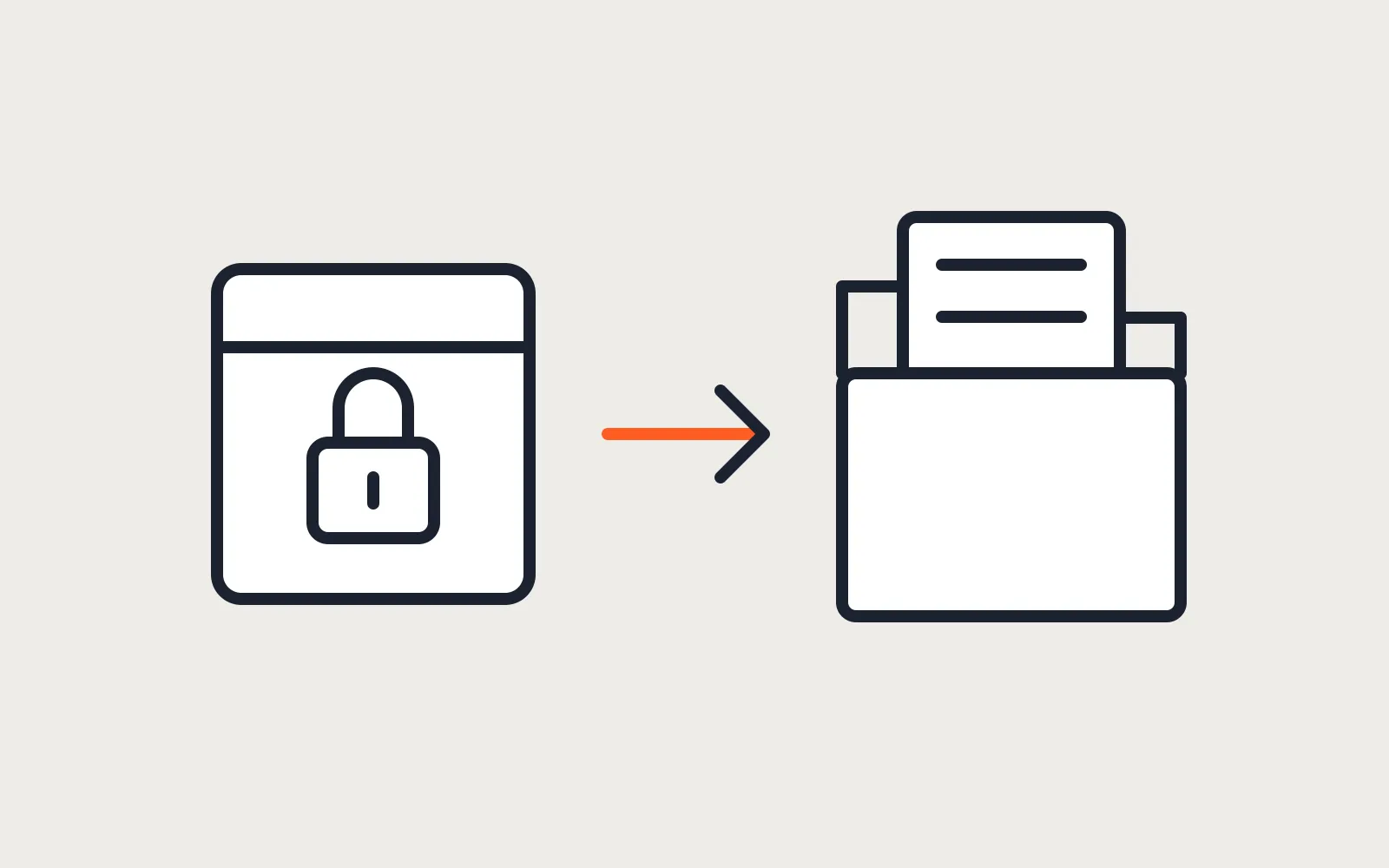
A Wix site owner asks a fair question before anything else: where’s the export button? There isn’t one. Wix’s help center answers it directly in its article on exporting or embedding a Wix site elsewhere: the site runs on Wix’s own technology, and that setup doesn’t support external hosting.
So leaving Wix isn’t a download. It’s a rebuild that keeps three things: your words and images, your URLs, and your domain. Get those three right and Google barely notices the platform changed. Miss the URLs and the site starts again from zero in search.
TLDR
Wix doesn’t let you take the site to another host. You can export CMS collections and form submissions as CSV, and your published pages and blog posts can be copied from the live site. Rebuild the pages in Astro, keep the same URLs where you can, and 301 the rest, including Wix’s /post/ and /product-page/ paths. Move the domain last, after the new site is live.
What you can take with you
Less than people hope, more than nothing.
| Part of the site | Can it leave Wix? | How |
|---|---|---|
| Page design and layout | No | Rebuilt in Astro. Screenshots of every page are the brief. |
| Page text and images | Yes, by copying | From the published pages, by hand or with a script. |
| Blog posts | Yes, by copying | Same route. See below. |
| CMS collections | Yes | CSV export from the CMS. |
| Form submissions | Yes | CSV export from the submissions table. |
| Store products and orders | Partly | A separate decision. See below. |
| Bookings, members, apps | No | Replaced by other tools, or kept on Wix. |
| Domain | Yes | DNS change or a registrar transfer. |
The CMS export is the cleanest piece. Wix’s article on exporting content from a collection covers it: open the collection, choose More Actions, then Export to CSV. Form submissions export the same way from the submissions table. Do that before cancelling anything, because those submissions are your leads.
Blog posts are the awkward one. We haven’t found a Wix export for blog posts we’d trust with a whole archive. The reliable route is the published site itself. A script reads each post page, saves the text as Markdown, and downloads the images. It’s your content on your public pages, so nothing gets lost that a visitor can see.
Store products are their own decision. A handful of products can move to an Astro site with Stripe Checkout. A real catalog with stock, shipping rules and order history keeps a commerce platform behind an Astro storefront. Make that call before the rebuild starts.
Astro among the Wix alternatives
Most lists of Wix alternatives compare other site builders, each with its own monthly plan. Astro is a different answer: you own the files, the host bills you nothing on a free plan, and no platform holds the site. The trade is the drag-and-drop editor. If you rearrange sections yourself every week and enjoy it, Wix gives you that, and on Astro the same edits go through a CMS editing screen instead. If the business runs on Wix Bookings, Wix Stores or the members area, those get replaced too: by a booking tool you embed, a store behind the Astro site, or a booking flow or members area built on a database.
There’s also a middle path the search results confuse with this one. “Wix Astro” in Google mostly means Wix’s own headless option, where Wix keeps the business tools and an Astro front end shows the site. That keeps the Wix subscription. It suits a business that loves Wix Bookings and wants a faster site, not one that wants to stop paying Wix.
The move to plain Astro pays when the site is mostly pages and a blog, changes a few times a month, and the Wix plan has become a bill for hosting a brochure. An Astro site builds into plain HTML files. Those run on a static host’s free tier, which our guide on hosting a small business website for free covers host by host.
Rebuilding the pages
The rebuild starts from the live site, not from a template. Screenshot every page at desktop and phone width. Those screenshots are the brief: same sections, same order, same words unless you want to change them.
In Astro, each page becomes a file and each repeated block becomes a component. The header, footer, contact strip and service cards are written once and reused. Blog posts become Markdown files in a content collection, which the Astro content collections guide covers.
Images need a pass of their own. Wix serves them from its media servers. In Astro they live in the project and are resized at build time, so a 4 MB photo from a phone stops costing visitors 4 MB.
Forms need a new handler. Netlify has built-in forms, services like Formspree take a form action URL, or the site gets one small server route. Ours checks a honeypot field, rate limits, verifies Cloudflare Turnstile and sends the email through Resend. Test it with a real submission before the domain moves.
Wix URL patterns and the redirect map
This is the part that protects your search traffic. Google’s guide to moving a site with URL changes asks for a map from every old URL to its new one, permanent server-side redirects such as 301 or 308, and redirects kept for at least a year. It warns against pointing everything at the home page.
Wix has URL habits of its own, and each needs a decision:
- Blog posts sit under
/post/by default, followed by the post’s slug. Wix lets you change that prefix in SEO settings, so check your live URLs rather than assuming. - Store products sit under
/product-page/by default, according to Wix’s article on customizing URL structure. - Static pages use the slug you gave them, like
/aboutor/services.
The simplest map keeps every path the same. Astro can serve /post/my-post just as well as Wix did, so the blog keeps its URLs and needs no redirects at all. If you’d rather move posts to /blog/my-post, that’s one redirect rule per post, and it’s a choice to make once, now, not later.
The list of old URLs comes from the Wix sitemap. Wix generates it automatically as an index that points to a sitemap per section, so pages, posts and products each have their own file. Add any URL from Search Console’s performance report that earns clicks and isn’t in the sitemap. On Netlify or Cloudflare, the redirects go into a plain _redirects file, one line per rule.
Moving the domain last
Two options. The quick one keeps the domain registered at Wix and changes its DNS records to point at the new host. The clean one transfers the domain to another registrar.
Wix’s article on transferring a domain away from Wix lists the steps: turn off the domain’s transfer lock, choose Transfer Away from Wix, and Wix emails an authorization code to the domain’s registrant contact. It says the transfer can take up to seven days. A domain registered or transferred in the last 60 days, or one whose contact details changed recently, can be blocked from transfer. And once the domain leaves, it’s disconnected from the Wix site.
That last point decides the order. Switch the DNS first, check the new site and the redirects on the live domain, then start the transfer. If the email for the domain runs through Wix or Google Workspace, copy those mail records to the new DNS before anything changes, or the inbox goes quiet.
The order of work
- Export the CMS collections and form submissions, and screenshot every page.
- Copy the blog posts and images from the live site.
- Build the redirect map from the Wix sitemap and Search Console.
- Rebuild the pages and the blog in Astro on a preview address.
- Wire the forms and send a real test submission.
- Copy the mail records, then point the domain’s DNS at the new host.
- Check the old URLs return 301s to the right pages, and submit the new sitemap in Search Console.
- Transfer the domain, if you want it away from Wix, once everything above has held for a week.
Keep the Wix plan for a month after the switch. It’s the backup if a page or an image turns out to be missing.
What it costs
The Wix side costs nothing extra. The rebuild is the cost. Our Astro website builds start at $1,500 fixed for a small business site with its blog, forms and redirect map. After launch, the Site care plan at $79 a month covers updates, checks and small edits, which is the part Wix used to do for you. Our guide on what it costs to maintain an Astro site has the breakdown, and the Astro vs WordPress comparison helps if WordPress is also on your list.
Start with the export of form submissions. It takes five minutes, and it’s the one thing on Wix that can’t be copied from the live site later.
Questions
Can I export my Wix site and upload it somewhere else?
No. Wix's help center says its platform doesn't support external hosting, because the site runs on Wix's own technology. What you can export are CMS collections and form submissions as CSV files. The pages themselves get rebuilt.
Do I have to move my domain away from Wix?
No. You can keep the domain registered at Wix and point it at the new host by changing its DNS records. Transferring it to another registrar is cleaner long term, and Wix's help center says a transfer can take up to seven days, so do it after the new site is live, not on the same day.
Is an Astro site cheaper than Wix?
To run, usually yes. A small Astro site sits on a static host's free tier, so the running cost is the domain. The rebuild is the cost, and editing changes too: on Wix you drag things around yourself, on Astro you edit text in a CMS editing screen, or whoever looks after the site makes the change.
Read these next
Same kind of problem, different corner of the store.
An Astro storefront with Shopify or WooCommerce behind it
Astro builds the pages, Shopify or WooCommerce keeps products, cart and checkout. When that split pays off, and which apps and plugins stop working.
Websites
Astro vs WordPress for a small business website
Astro suits most small business sites and handles bookings and logins with a database. Speed, security, editing, upkeep, and where WordPress keeps an edge.
Websites
Check a site built with Claude or ChatGPT before launch
It looks finished in the preview. Before customers see it: hosting and domain, a form that sends, leaked keys, headers, what Google needs, and upkeep.
Websites