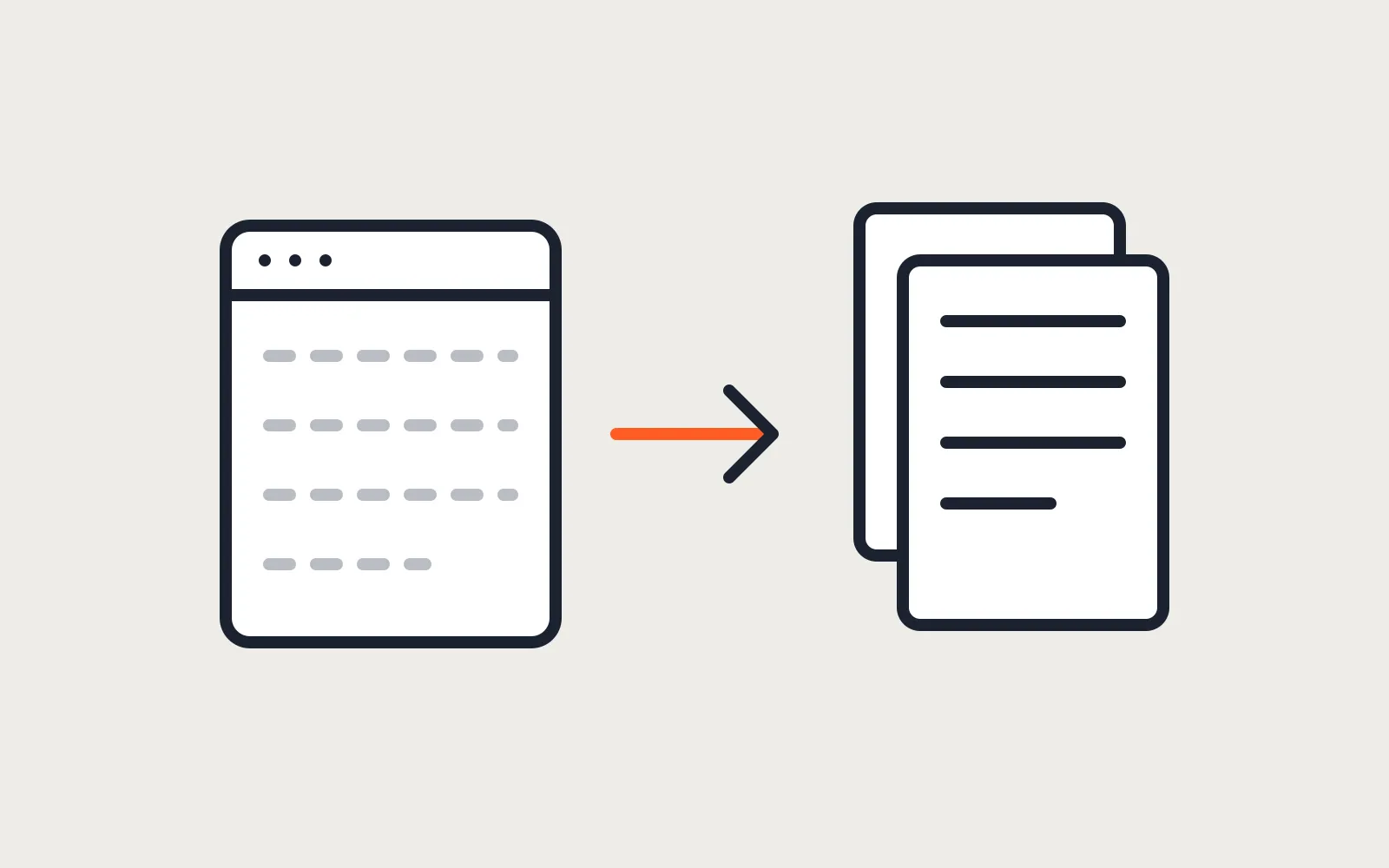
Click Export code in the Webflow Designer on a site with a blog and you get a zip of HTML, CSS and JavaScript. Open the blog page from that zip. The list of posts is empty.
That isn’t a bug. Webflow’s own pricing page says it next to the export feature: CMS items and CMS pages can’t be exported. The export is a snapshot of the design. Everything the CMS fills in, and a few things Webflow’s servers do for you, stay behind.
So a Webflow to Astro migration isn’t an export. It’s a rebuild that keeps your content and your URLs. That sounds bigger than it is, and the work splits cleanly into what comes across, what gets rebuilt, and the redirect map.
TLDR
Webflow’s code export gives you the static pages, the styles and the assets. It leaves out CMS content, forms, site search, user accounts, ecommerce and localized pages. CMS collections come out as CSV files and become Markdown files in Astro content collections. Forms get a new handler, interactions get rewritten in CSS or small scripts, and every old URL keeps its path or gets a 301.
What the export gives you, and what it leaves
Code export needs a paid Workspace plan. On Webflow’s pricing page it starts with the Core workspace at $19 a month billed yearly. Webflow’s help article on exporting code lists what doesn’t come with it: CMS, user accounts, ecommerce content, code components and localized content. It also says site search and forms, including file upload and reCAPTCHA, won’t work on an exported site.
| Part of the site | In the export? | What happens in Astro |
|---|---|---|
| Static pages | Yes, as HTML | Rebuilt as Astro components. The export is a good reference for spacing and breakpoints. |
| Styles and fonts | Yes | Kept, then trimmed. Webflow class names are long and nested. |
| Images and assets | Yes | Moved into the project and resized at build time. |
| CMS collections | No | Exported as CSV, turned into Markdown files in content collections. |
| Forms | No, they stop working | A new form handler. |
| Interactions and animations | Partly, through webflow.js | Rewritten in CSS or a small script. |
| Site search | No | Pagefind or a simple search page, if the site needs one. |
| Ecommerce and memberships | No | A separate decision. See below. |
| Redirects you set up in Webflow | Not in the export, but exportable | Downloaded as CSV and carried over. |
The webflow.js file is the part people trip on. Webflow says forms, navbars, sliders, tabs and interactions rely on it. Delete it and the page may look right while the menu button does nothing. In an Astro rebuild that file goes away, and each thing it did gets a few lines of its own.
Why sites leave Webflow
The reasons we hear are cost, limits and ownership, and the numbers on Webflow’s pricing page in October 2026 explain most of it.
Webflow reworked its site plans this year. The list now shows Starter (free), Basic, and a Premium plan labelled New, with no CMS or Business tier in between. Basic is $15 a month billed yearly or $25 billed monthly, and it has no CMS at all. Premium, the cheapest plan with a CMS, is $25 a month billed yearly or $39 billed monthly. It allows 20,000 CMS items in 40 collections and includes 50 GB of monthly data transfer. More transfer is an add-on, from $20 a month for another 50 GB.
That’s a fair price for what Webflow does. The trouble is the shape of it. A blog with 30 posts pays for the CMS every month, forever, and a marketing team that wants staging and code export pays again on the workspace side. An Astro site is files. It builds into plain HTML and runs on a static host whose free tier is enough for most small business sites. Our guide on hosting a small business website for free has the limits for each host.
The case for staying is real, though. Webflow’s product is the visual editor. If your marketing team builds new landing pages every week without a developer, Astro needs a CMS added to match that, and some CMS plans cost money too. For that team the Astro site gets its editing screen from day one: a headless CMS, or the Webflow CMS kept and read from Astro through its API. Pick which before the rebuild starts. The move pays when the site changes a few times a month, when the CMS bill is for a blog, or when you want the code in your own repository.
Collections become Markdown files
Each Webflow collection exports as a CSV from the Collections panel in the Designer. One row per item, one column per field. Rich text fields come out as HTML. Image fields come out as URLs on Webflow’s servers, so the files need downloading before the Webflow site is cancelled.
On the Astro side, a collection is a folder of Markdown files plus a schema in src/content.config.ts. The content collections guide covers the details. A Webflow blog with a title, a slug, a date, a summary, a cover image and a category maps to something like this:
import { defineCollection } from 'astro:content';
import { glob } from 'astro/loaders';
import { z } from 'astro/zod';

const posts = defineCollection({
  loader: glob({ pattern: '**/*.md', base: './src/content/posts' }),
  schema: z.object({
    title: z.string(),
    summary: z.string(),
    published: z.coerce.date(),
    category: z.string(),
    cover: z.string().optional(),
  }),
});

export const collections = { posts };
A short script reads the CSV, writes one Markdown file per row with those fields at the top, converts the rich text body from HTML to Markdown, and downloads each image next to it. The schema then fails the build if a post is missing a title or has a date in the wrong format, which catches export problems before a visitor does.
Reference fields need the most care. A Webflow post that links to an author item exports the author’s ID, not the name. Export the authors collection too and join the two in the script.
Forms, interactions and the scripts that replace webflow.js
Forms are the first thing to plan, because they’re how the site makes money. In Astro, a form posts to a handler you choose. Netlify has a built-in forms feature. Services like Formspree take a form action URL. Or the site gets one small server route of its own. Ours does that: one on-demand route that checks a honeypot field, rate limits, verifies Cloudflare Turnstile and sends the email through Resend. Whichever you pick, test it with a real submission on the live domain before the old site goes.
Interactions are usually simpler than they look in the Webflow panel. Hover states, fades and reveal-on-scroll are CSS. A mobile menu is a button and ten lines of script. Lottie animations keep working through the Lottie player. Heavy scroll-driven sequences are the exception, and they’re worth a hard look before they’re rebuilt, because they’re often the slowest thing on the page.
Ecommerce and memberships are a separate part of the project. Webflow doesn’t export either. A small catalog can move to an Astro site with Stripe Checkout, a store with real volume keeps Shopify or WooCommerce behind an Astro front end, and a members area becomes sign-in pages rendered on the server with a database behind them. Decide that before the migration starts, not halfway through it.
The redirect map keeps the rankings
Google’s guide to moving a site with URL changes asks for three things: map every old URL to its new one, use permanent server-side redirects such as 301 or 308, and keep them for at least a year. It also warns against sending many old URLs to the home page.
The easiest redirect is the one you don’t need. Webflow collection pages live at the collection’s slug followed by the item’s slug, like /blog/my-post. Astro can serve the same path, so most of the map is “same URL, new site”. The rows that need a redirect are pages you rename or merge.
Two lists build the map. The Webflow sitemap lists every published page. The redirects you already set up in Webflow export as a CSV from Site settings, Publishing, 301 redirects, according to Webflow’s help center. Those old redirects matter: they’re still catching links from years ago, and they disappear with the Webflow site unless they move too. On Netlify or Cloudflare they go into a plain _redirects file, one line per rule.
The order of work
- Export the redirects, the sitemap, every collection as CSV, and every image.
- Build the redirect map before any page is built.
- Rebuild the pages in Astro, using the code export as the reference for layout.
- Import the collections and check every post against the schema.
- Wire the forms and send a test submission to the real inbox.
- Move the DNS, then check the old URLs in the map return 301s to the right pages.
- Submit the new sitemap in Search Console and watch the coverage report for a few weeks.
Keep the Webflow site on its plan, unpublished from the domain, for a month after the switch. If a post or an image turns out to be missing, that’s where it comes from.
What it costs
The Webflow side costs the export: a Core workspace for a month if you want the code reference, and nothing for the CSV files. The rebuild is the real cost. Our Astro website builds start at $1,500 fixed for a small business site with its blog and redirect map, and the Site care plan at $79 a month keeps it updated afterwards. If you’re also weighing WordPress, the Astro vs WordPress comparison covers who each one suits.
The thing to decide first is who edits the site after launch. If it’s a developer a few times a month, Astro on its own is the cheapest site you’ll ever run. If it’s a marketing team every day, keep a CMS in the picture, and pick it before the rebuild starts.
Questions
Can we keep editing in Webflow and publish the site with Astro?
Yes. Webflow's CMS has a REST API, and an Astro build can read your collections from it at build time. You keep the Webflow editor and lose the Webflow front end. You also keep paying for a Webflow plan, so this only makes sense when the editors love the Webflow CMS and the problem is the site, not the subscription.
Does the Webflow code export include the blog?
No. Webflow's pricing page says CMS items and CMS pages can't be exported. Collection lists come out empty. The posts themselves come out of the CMS as a CSV file, one collection at a time.
Will we lose rankings moving from Webflow to Astro?
Not if every old URL either stays the same or gets a permanent redirect to the page that replaced it. Google's guidance for site moves is a 301 or 308 for each mapped URL, kept for at least a year. A dip for a week or two while Google recrawls is normal. A lasting drop usually means a missing redirect.
Read these next
Same kind of problem, different corner of the store.
An Astro storefront with Shopify or WooCommerce behind it
Astro builds the pages, Shopify or WooCommerce keeps products, cart and checkout. When that split pays off, and which apps and plugins stop working.
Websites
Astro vs WordPress for a small business website
Astro suits most small business sites and handles bookings and logins with a database. Speed, security, editing, upkeep, and where WordPress keeps an edge.
Websites
Check a site built with Claude or ChatGPT before launch
It looks finished in the preview. Before customers see it: hosting and domain, a form that sends, leaked keys, headers, what Google needs, and upkeep.
Websites